Designing the surface of a sales-tracking tool for small service business
Most small businesses don’t have a sales problem so much as a remembering-things problem. An enquiry is in somebody’s inbox, the notes from a call are in a notebook, there’s a company you meant to contact again next month, and something genuinely promising is stored in the part of your brain that wakes you up at 3am.
I wanted GUD CRM to make all of that visible, without becoming another system that takes more effort to maintain than the sales process itself.
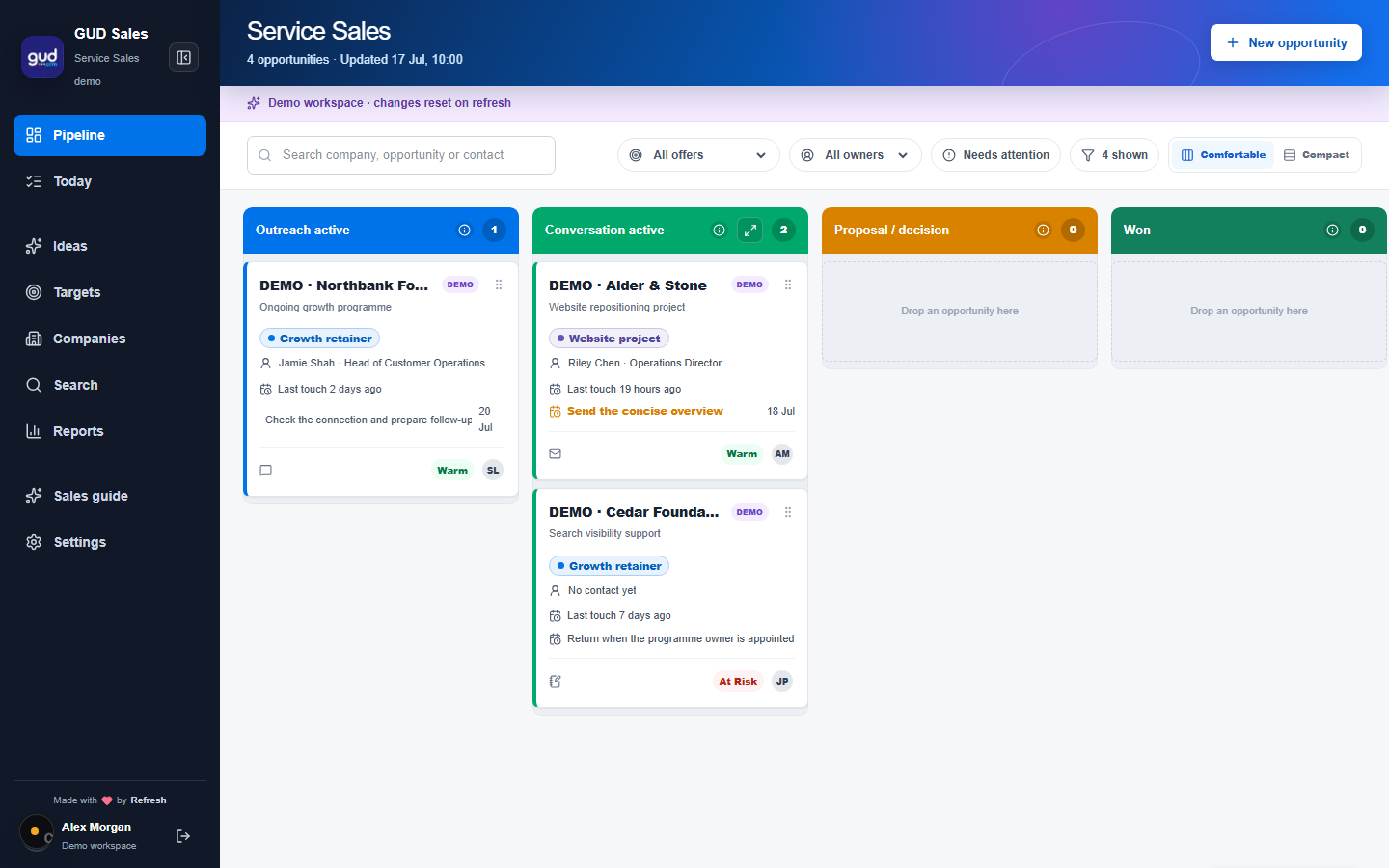
The pipeline is the core of it, and I’ve spent quite a lot of time on the apparently small details that make it useful: being able to see everything at a glance, expanding a stage when you want to concentrate on it, and switching between comfortable and compact views depending on whether you want breathing room or as much information as possible on one screen.

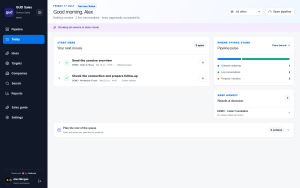
There’s nothing revolutionary about a sales pipeline, of course, but there doesn’t need to be. It needs to be clear enough that you can open it in the morning and understand where things are, what has gone quiet and what you need to do next.
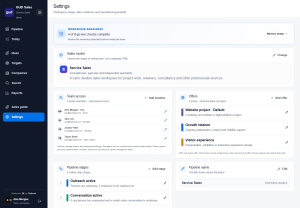
I’ve built GUD CRM primarily for small service businesses, consultancies and companies with an active sales function, although it could work equally well for a SaaS business doing outbound sales. The aim wasn’t to anticipate every possible type of organisation, it was to make the core genuinely useful for the businesses I understand.
Alongside the pipeline there’s an ideas area, where you can explore possible sectors, services or approaches before they become formal sales activity. Those ideas can then develop into target lists, and the CRM can work with tools such as ChatGPT Work or Codex to research possible companies and contacts on LinkedIn.
I’ve called the next part “FreeMax”. It means making sensible use of the free allowances available from services such as Hunter.io or Voila Norbert to enrich those targets and find contact details, rather than immediately building another expensive monthly subscription into the process. You begin with an idea, turn it into a useful list, enrich the people worth contacting and then bring the real opportunities into your pipeline.
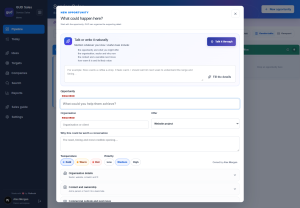
Similarly, I wanted adding information to feel much less like admin. When you create an opportunity, you can simply talk to GUD CRM and explain who the company is, what the opportunity involves and what needs to happen next; it works out the structure and creates the relevant company, contact and opportunity records for you.
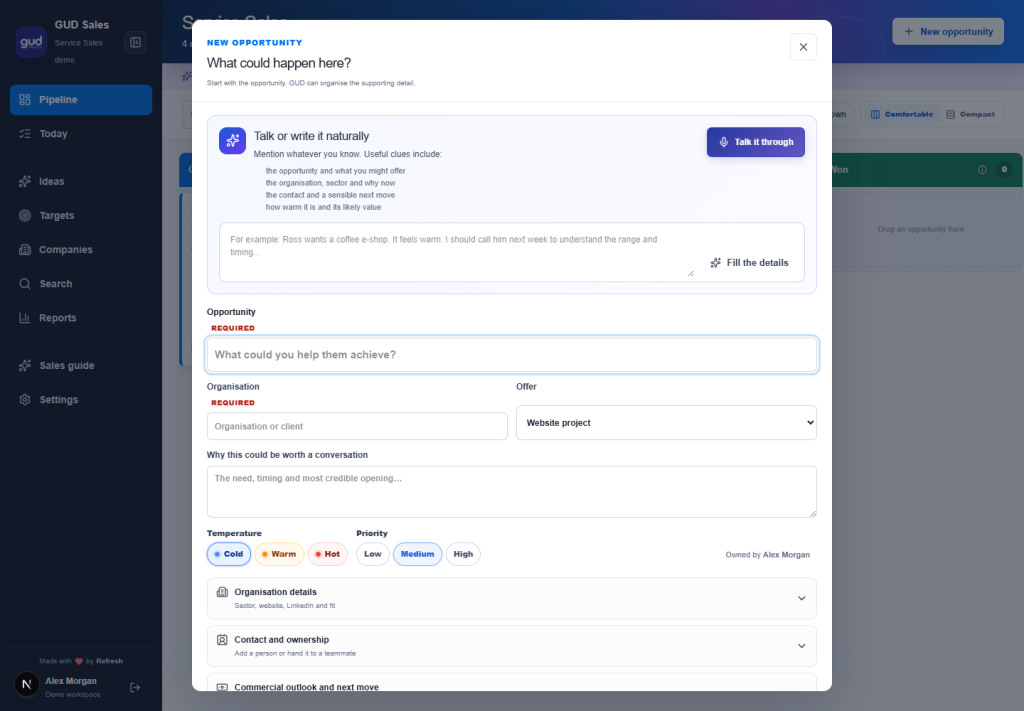
You can do the same thing with an existing opportunity, so after a call or an email you can say what happened and when you need to follow it up. There must be a less awkward way to do this than endlessly filling in fields, and voice felt like a genuinely useful improvement rather than AI added for the sake of it.
There’s also an MCP layer, which means GUD CRM can connect directly to ChatGPT or Claude. You can ask your assistant what needs following up, tell it to add an update or use it as part of a wider sales workflow without continually moving between different screens.
What I’ve deliberately left out is much of the weight that accumulates in larger CRM systems: features added for every possible customer, layers of administration and the feeling that you need to redesign your business around the software. GUD CRM isn’t intended to be a giant finished SaaS platform, and I’m not pretending it will suit every organisation. It is a small-business-first CRM, built around visibility, useful prompts and making it easier to keep things moving.
That’s where I’ve got to along the way, and I think the core now works rather well. It’s open source, it’s free, and you can have it.